Instagram to MP4 Converter
Turn any Instagram link into an MP4 file


Convert Instagram Video to MP4
Paste the link, press the button, save the file. That is the whole flow. FastDl reads the post behind the link and hands you the MP4 - the same file quality Instagram itself serves, not a re-compressed copy. It works with regular video posts, reels, IGTV and the video slides inside a carousel. Nothing to install, no account, no limit on how many links you run through it.
How to convert an Instagram link to MP4
Three steps, about ten seconds.
-
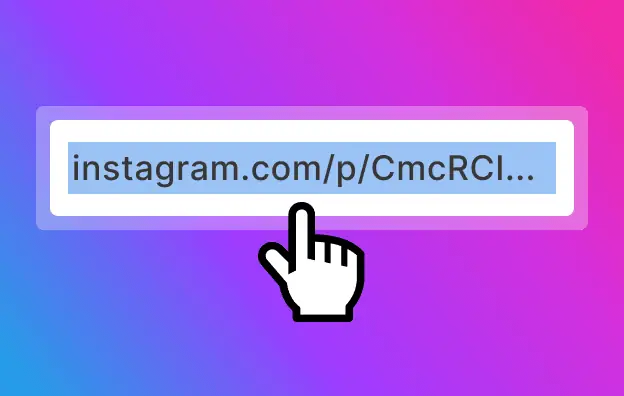
Copy the link
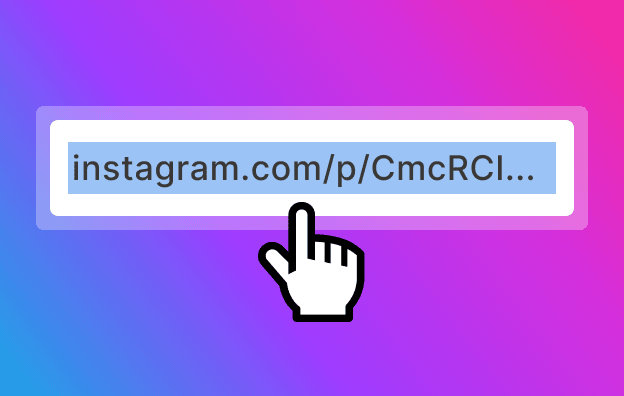
Open the post in the Instagram app or on the website. Tap (⋯) on iPhone or (⋮) on Android, then choose “Copy Link”. On a computer, copy the address from the browser bar.
-
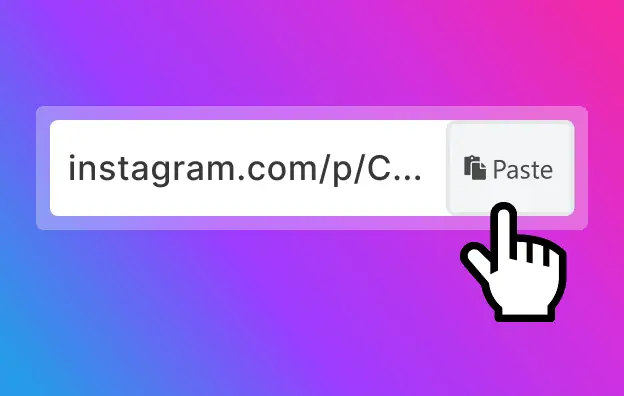
Paste it here
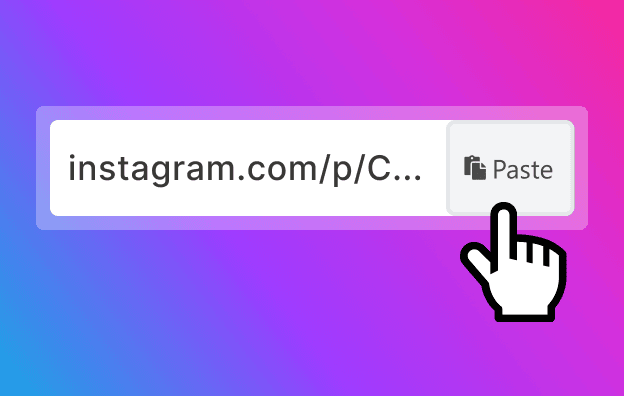
Drop the link into the field above and press the button. FastDl finds the video behind the post.
-
Save the MP4
Press download. The file lands in your Downloads folder on a computer, in the gallery on Android, in Files on iPhone.
What this Instagram video converter does
-
Gives you the original MP4, not a re-encode
Instagram stores video as MP4 already. Most “converter” sites re-compress it anyway and you lose quality for nothing. We pull the file as it is stored, so the MP4 you save is the one Instagram serves.

-
Plays anywhere
MP4 opens in the stock player on iPhone, Android, Windows and Mac, in Premiere and CapCut, in PowerPoint, on a TV from a USB stick. That is the point of asking for MP4 in the first place.



Why an Instagram link is already an MP4
Instagram encodes uploads as MP4 with H.264 video and AAC audio - the same container every phone and editor understands. So “converting Instagram to MP4” is not really conversion. The file exists; the app just gives you no button to save it. That is what this page does: it reads the post, finds that file and gives it to you. No queue, no upload, no server-side re-encoding, and no second of quality lost.
-
What you can put in the field
A link to a video post, a reel, an IGTV video, or a carousel that has video in it. Public posts only. If the profile is private, Instagram serves nothing to anyone who is not a follower, and no tool can change that.
-
What quality you get
Whatever the author uploaded, up to the resolution Instagram keeps. A 1080p upload comes back as 1080p. If the source is a 720p re-upload, no tool can invent the missing pixels.
-
Watermarks
We add nothing to the frame. If the clip was reposted from TikTok, the TikTok mark is burned into the video itself and stays there - that is the source file, not us.
Instagram to MP4: common questions
-
Is the Instagram to MP4 converter free?
Yes, all of it. No account, no trial, no cap on the number of links. -
Do you re-encode the video?
No. You get the file Instagram stores, byte for byte. That is why it is fast and why nothing degrades. -
Can I convert a private account's post?
No. Instagram only serves those posts to approved followers, so there is nothing for us to read. -
Does it work with reels and IGTV?
Yes, both. Same field, same three steps. -
What about audio only?
Not yet - the file you get is the full video with sound in it. -
Does the MP4 have a watermark?
Not from us. A TikTok mark, if there is one, was already in the video when it was posted to Instagram. -
Which devices work?
Any browser: iPhone, Android, Windows, Mac, Linux. Nothing to install. -
Where does the file go?
Downloads folder on desktop, gallery on Android, Files app on iPhone.