Instagram Reels Downloader


Download Instagram Reels Videos
FastDl is a free Instagram Reels downloader that saves any public Reel as a high-quality MP4. No watermark, no app, no account. Copy the Reel's link from the Instagram app or the website, paste it into the box above, and the video downloads to your phone or computer in a few seconds. It handles the Reel video, the original audio or music, and the cover thumbnail, and it runs on any device with a modern browser, whether that's an iPhone, an Android, a Windows PC, or a Mac. There are no daily limits and nothing to sign up for, so you can save as many public Reels as you want, in the same quality they were posted.
How to download Instagram Reels?
Check out the three simple steps to utilize this Instagram Reels downloader. It's designed to save both time and effort.
-
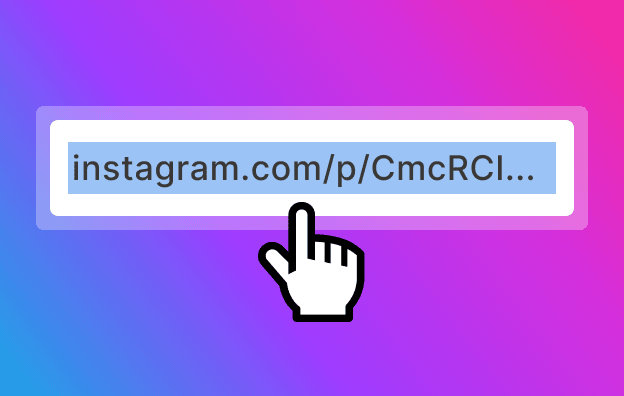
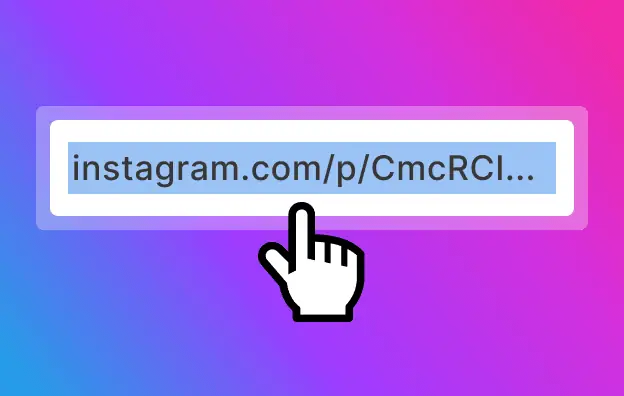
Copy the URL
Open Instagram site or app. Open the page with Reels and copy the URL of the page.
-
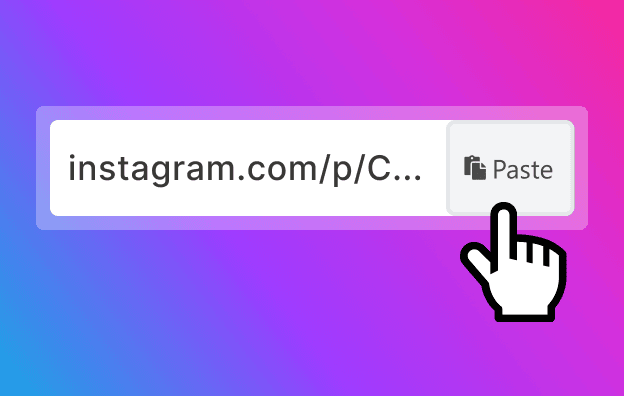
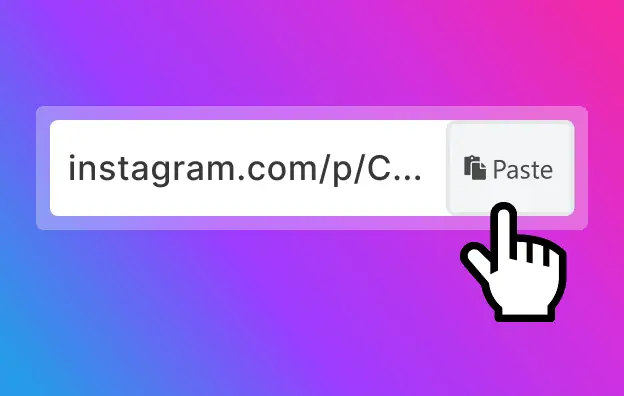
Paste the link
Paste the link to the input line on the Instagram Reels downloader page. Remember to have the FastDl web page already opened.
-
Download
Click the Download button to save the Reels to your device.
Download Instagram Reels from your address bar

-
Add f-d.app before any Instagram Reel URL in your browser's address bar.
-
For example: f-d.app/https://www.instagram.com/fastdl.app/reel/DO5tIDME6t-/
-
Press Enter and you'll get the download page. Save the Reel in high quality.
-
Works on phones, tablets, and computers. No app or account needed.
FastDl Reels Downloader
-
Instagram Reels Download
Instagram Reels, a novel addition to the Instagram social platform, enables the crafting of brief 15 and 30-second videos. Leveraging Instagram's superior editing capabilities, it empowers users to create and personalize videos in their distinctive style. Yet, direct downloading of Reels videos from Instagram is not permitted by the platform. For downloading Reels videos, FastDl offers a straightforward solution. This tool facilitates the downloading of any Reels video across various devices including PCs, tablets, and smartphones (iPhone, Android).
Why use FastDl to download Reels
Most Reels downloaders make you sit through ads, pop-up redirects, or a sign-up form before you get anything. FastDl skips all that. You paste a link, the video downloads, and that's the whole flow. A few things set it apart:
-
HD quality, no watermark
Every Reel saves at the original resolution the creator uploaded. We don't stamp a FastDl or Instagram logo on top, so the file looks exactly like what you watched in the app.
-
No app, no login
FastDl works in the browser you already have open. There's nothing to install, no extension to add, and we never ask for your Instagram username or password.
-
Works on any device
If your phone, tablet, or computer runs a recent browser, you're set. The same fastdl.app page resizes itself for an iPhone, an Android, or a desktop without you changing a thing.
-
No limits
There's no daily cap and no account to set up. Grab one Reel, or work through a long list of them one after another. However many public Reels you need is fine, and we don't throttle the second or third download, so a batch runs as fast as the first one did.
How to download Instagram Reels on any device
The three steps above are the same everywhere. What changes is where the file lands once you tap Download, so here's the short version for each device.
-
On iPhone (iOS)
Open the Reel in Instagram, tap the three dots, and choose Copy Link. Switch to fastdl.app in Safari, paste, and tap Download. On iOS 13 and up the MP4 can go straight to Photos. On older versions it waits in the Files app until you move it. Once it's in Photos you can trim it, share it, or set it as a video wallpaper.
-
On Android
Copy the Reel link in the Instagram app, open fastdl.app in Chrome or whatever browser you use, and paste it in. Tap Download and the video drops into your Downloads folder. Most phones show it in the Gallery a moment later too. If it doesn't appear right away, check the Downloads app or your file manager.
-
On PC / Mac
Paste the Reel URL into fastdl.app in any desktop browser and click Download. The MP4 goes to your Downloads folder. Nothing to install, nothing to configure.
What you can download from a Reel
A Reel link holds more than the clip itself. Depending on what you're after, FastDl can save a few different pieces of it:
-
The video (MP4, HD)
The full clip in the best quality the original offers, saved as a normal MP4 you can replay offline, drop into an edit, or post somewhere else. It plays in any media player and re-uploads to other platforms without a quality hit.
-
Just the audio
Sometimes you only want the sound: a trending track, a voiceover, the music playing underneath. You can pull the audio on its own instead of the whole video.
-
The cover image
Save a Reel's cover thumbnail at full size. Useful for a preview, a mood board, or just remembering a post you liked.
Is it legal and safe to download Instagram Reels?
For personal use, saving a public Reel is usually fine. Watching it offline, coming back to it later, keeping a copy of something you posted yourself, none of that tends to be a problem. Where it does matter is the creator: don't re-post someone else's Reel as if it were your own, and don't use it commercially without asking first. Copyright stays with whoever made the video. As for safety, FastDl only ever touches public content, so private accounts stay off-limits. It runs in your browser, never asks you to log in, and doesn't keep the files you download or a record of what you opened. Since your Instagram account never enters the picture, there's nothing on it to flag or lock.
Other FastDl downloaders
Reels aren't the only thing FastDl saves. If you came for something else, start here:
Frequently asked questions (FAQ)
This FAQ provides information on frequent questions or concerns about the fastdl.app instagram Reels downloader. If you can't find the answer to your question, feel free to ask through email on our contact page.
-
Is the FastDl Instagram Reels downloader free?
Yes, completely free with no limits and no registration. -
Do I need to install an app or extension?
No. FastDl runs in your browser on any device. -
Can I download Instagram Reels without a watermark?
Yes, Reels are saved in original quality with no added watermark. -
What video quality and formats are available?
Reels download as MP4 in the highest quality the original provides, up to HD/1080p. -
How do I download Instagram Reels on iPhone?
Copy the link, paste it on fastdl.app in Safari, tap Download, and save to Files or Photos. -
How do I download Instagram Reels on Android?
Copy the link, paste on fastdl.app in Chrome, tap Download, and it saves to your Downloads folder. -
Can I download Reels on a PC or Mac?
Yes, paste the URL in any desktop browser and click Download. -
Is there a limit on how many Reels I can download?
No, downloads are unlimited. -
Can I download private Instagram Reels?
No. FastDl only supports public Reels, per Instagram's rules. -
Do you store the videos I download?
No. FastDl does not save your downloads or download history. -
Is it safe to use FastDl?
Yes. No login, no password, and no software, so your account is never involved. -
Is it legal to download Instagram Reels?
For personal and offline use, generally yes. Respect creators' copyright and do not redistribute without permission.